
Taxes, Amplified.
Drop in a bank statement. TaxFi reads it, sorts every transaction and prepares your Canadian tax return, all on your device.
Encrypted. Your books stay on your device.
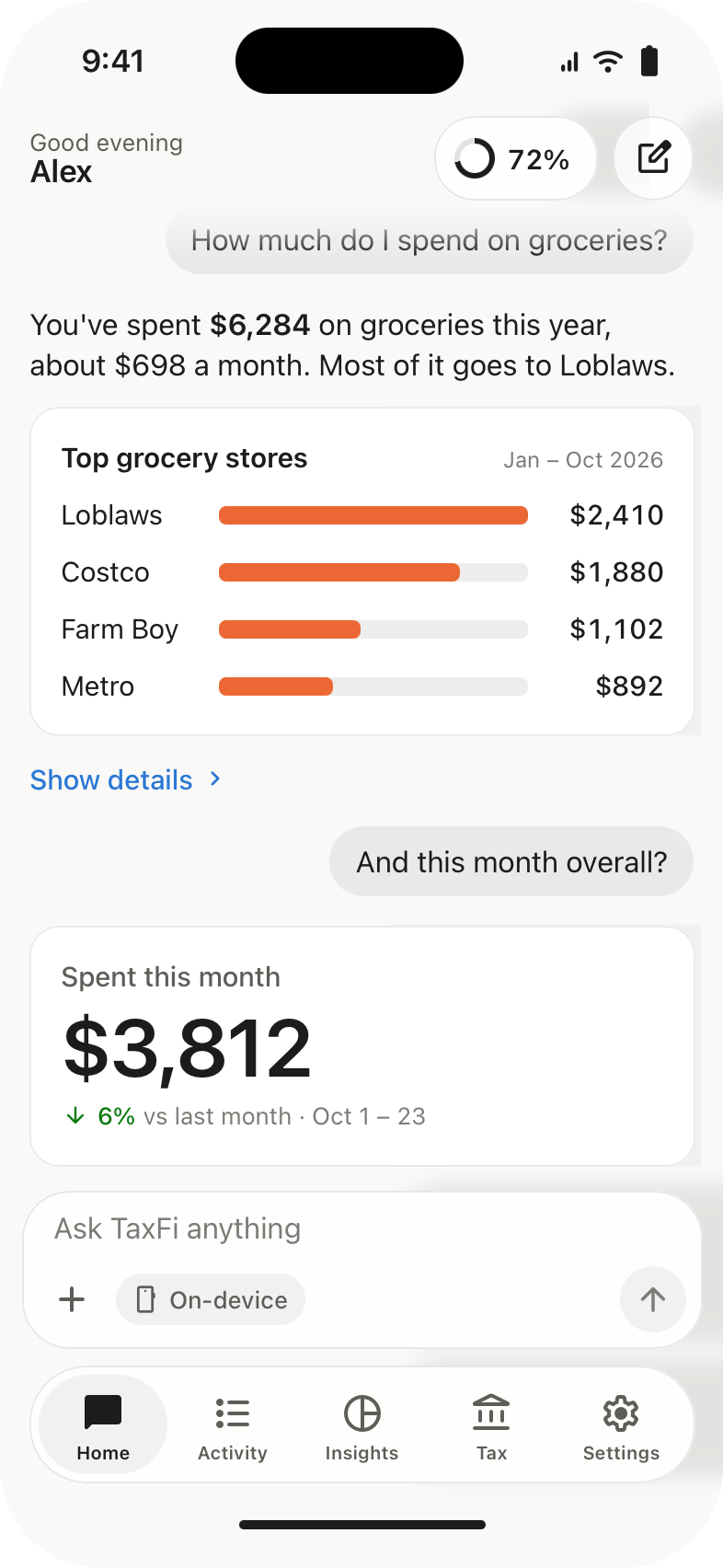
Drop in a statement.
Add the PDF or CSV your bank gives you. TaxFi reads every line, no bank login needed.
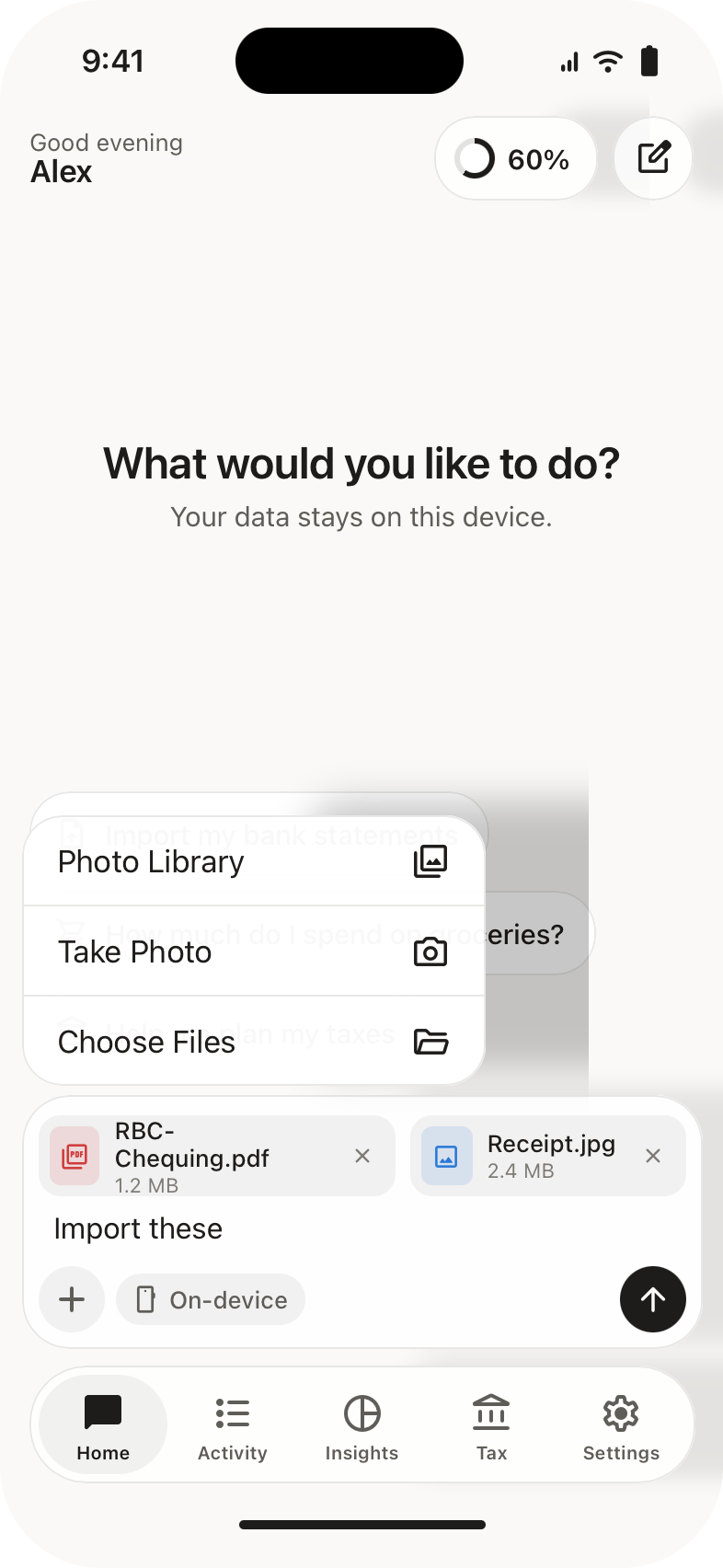
One tap to sort.
Answer a quick question. TaxFi remembers it next time.
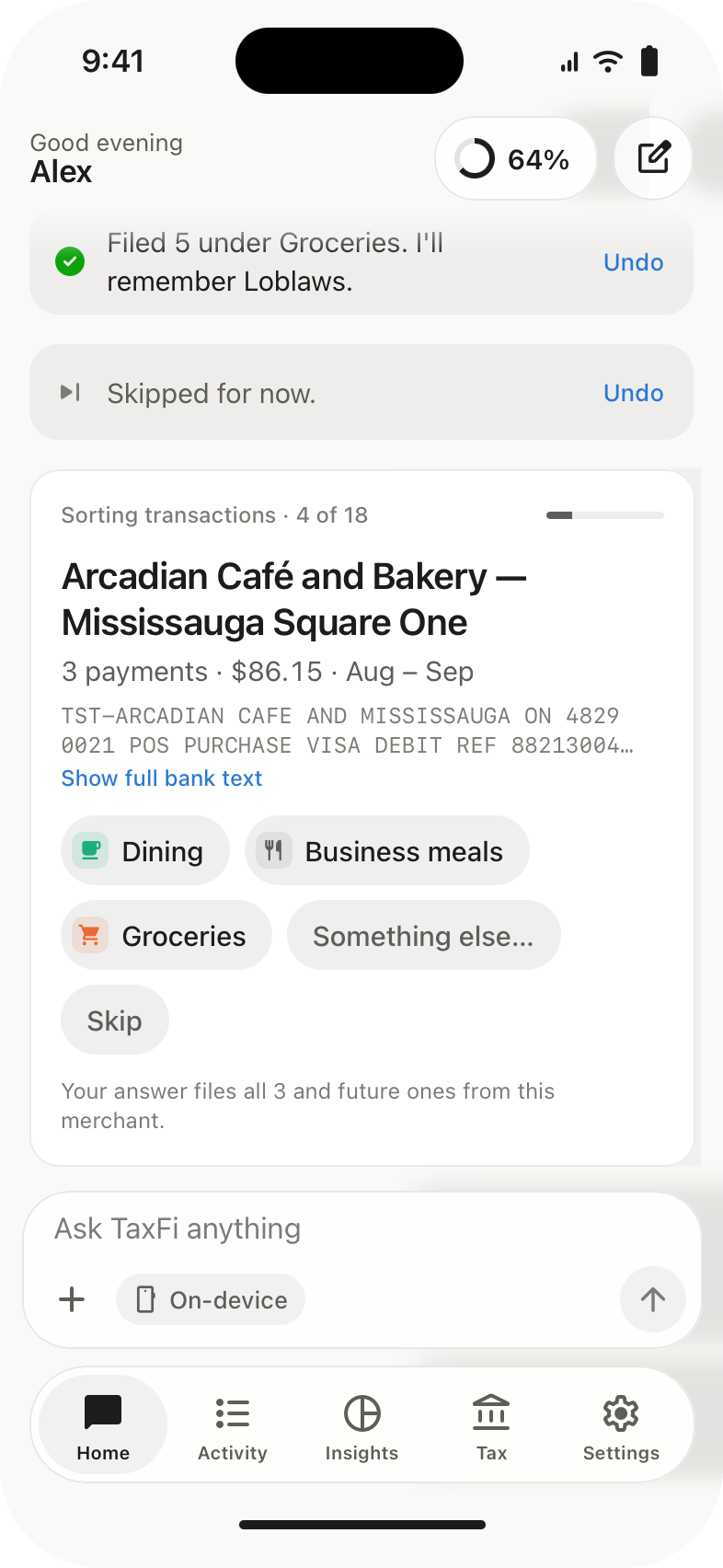
Know where it goes.
Ask in plain words what you spend on groceries or rent, and see it charted by category and month.
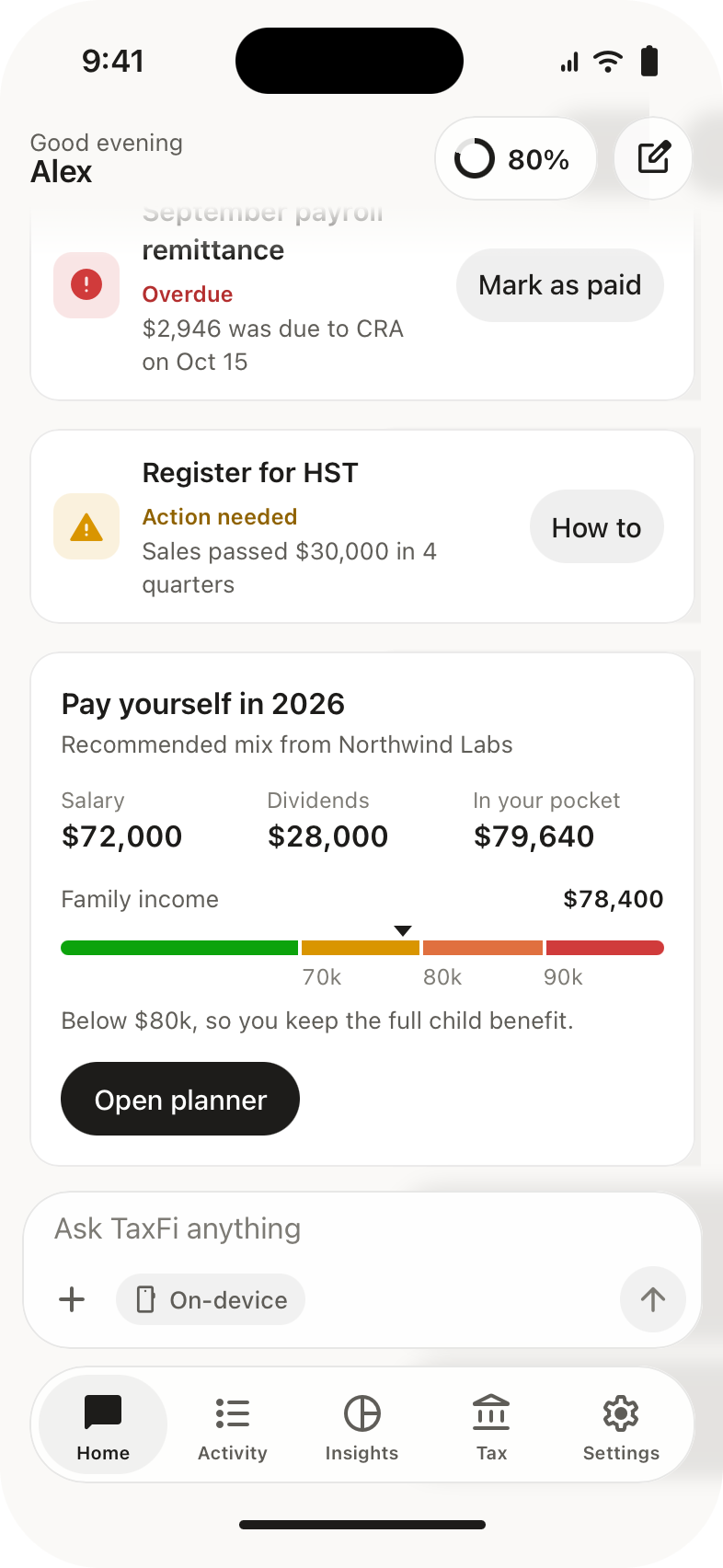
Your return, line by line.
Every line of your T1 in CRA's order, with an accountant package to send. For business owners: GST/HST, payroll remittances and a plan for paying yourself.
Drop a statement on your Mac.
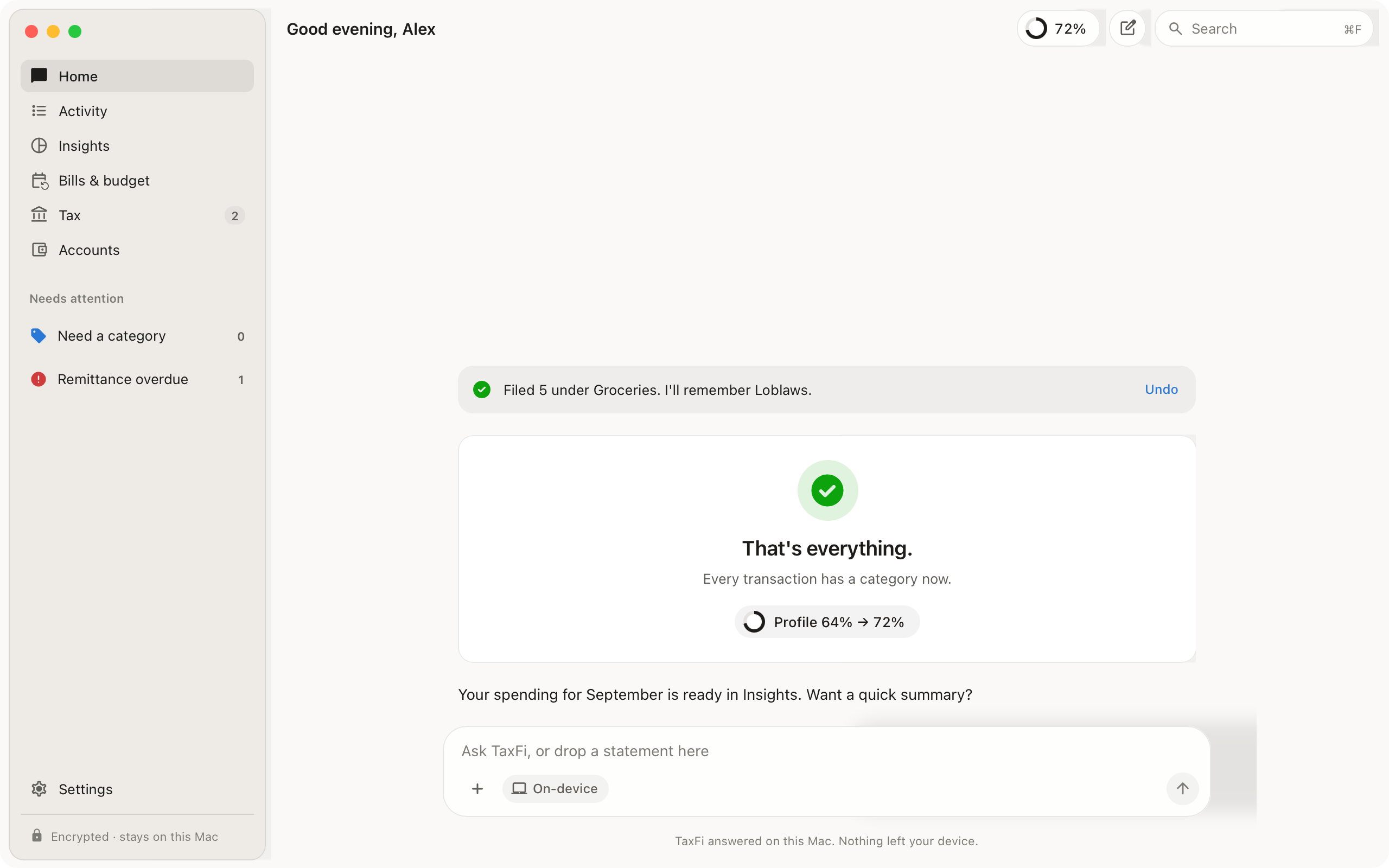
The same assistant on a bigger screen, with a sidebar for Activity, Insights, Bills, Tax and Accounts.
Your finances stay yours.
TaxFi works on your device. Statements and transactions are never uploaded. Common questions are answered on your device; for anything else, only your question goes to TaxFi’s AI, with account numbers and your SIN removed. You can turn that off.